
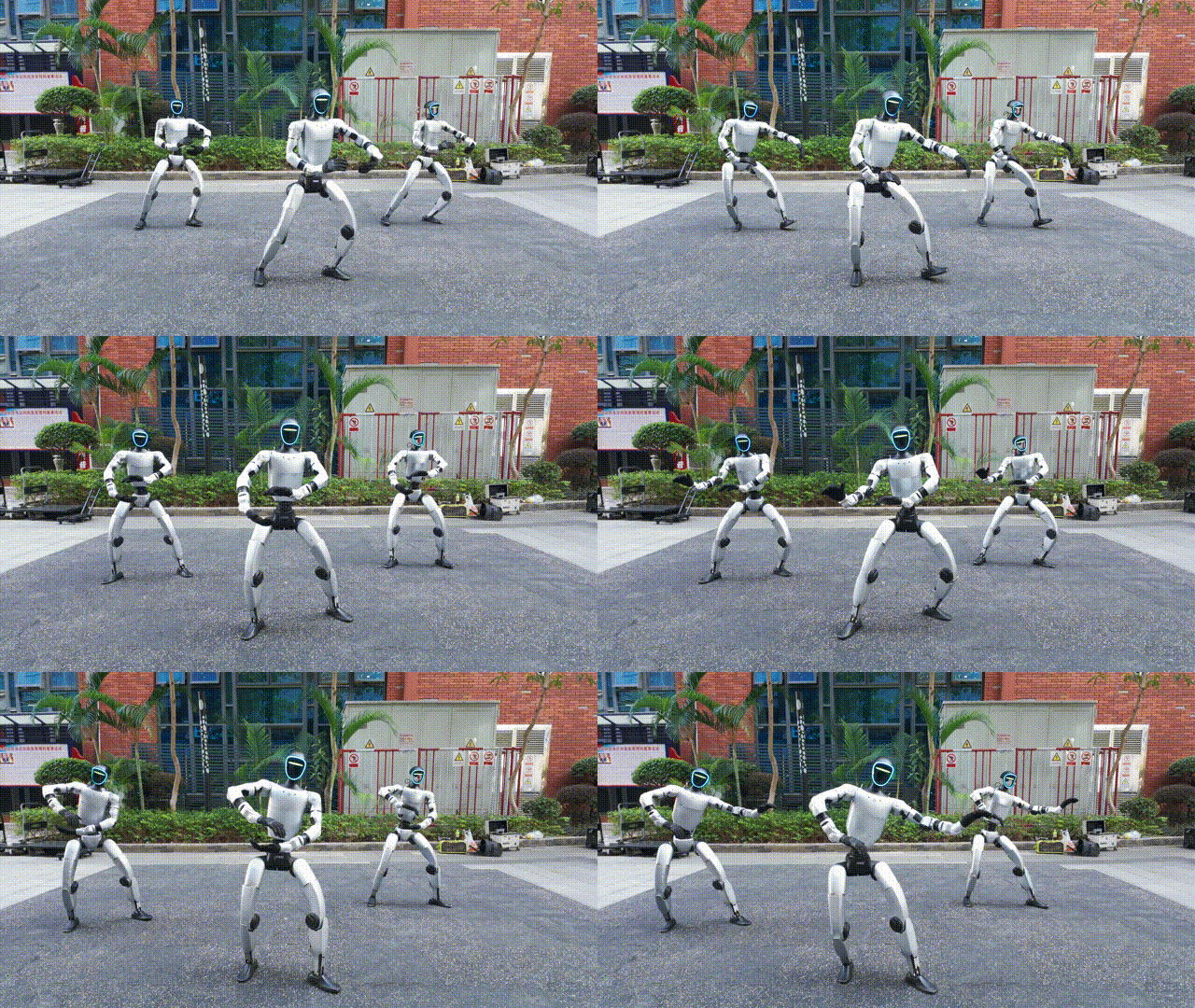
The era of humanoid robots is no longer confined to research laboratories. Today, highly agile robots like the Unitree G1 are stepping into the spotlight, becoming the ultimate centerpiece for commercial events. Whether it is a dynamic dance routine at a tech exhibition, an interactive showcase at a corporate annual meeting, or a precise demonstration at a robotics competition, deploying pre-recorded human performances onto humanoid robots is a game-changer for audience engagement.
However, making a robot replicate human movement is not as simple as pressing “play.” Humans and robots have fundamentally different physical structures, joint limits, and weight distributions. To achieve a smooth, stable, and visually stunning robotic performance, developers must bridge the gap between human motion and robotic physics.
In this comprehensive guide, we will walk you through the professional workflow of mapping human performance data onto the Unitree G1, from raw motion capture to final hardware deployment.
Step 1: Data Preparation – Capturing Human Motion
The foundation of any great robotic performance is high-quality human motion data. To capture dynamic routines like dancing, martial arts, or theatrical gestures, you need a system that is highly accurate and unconstrained by space.
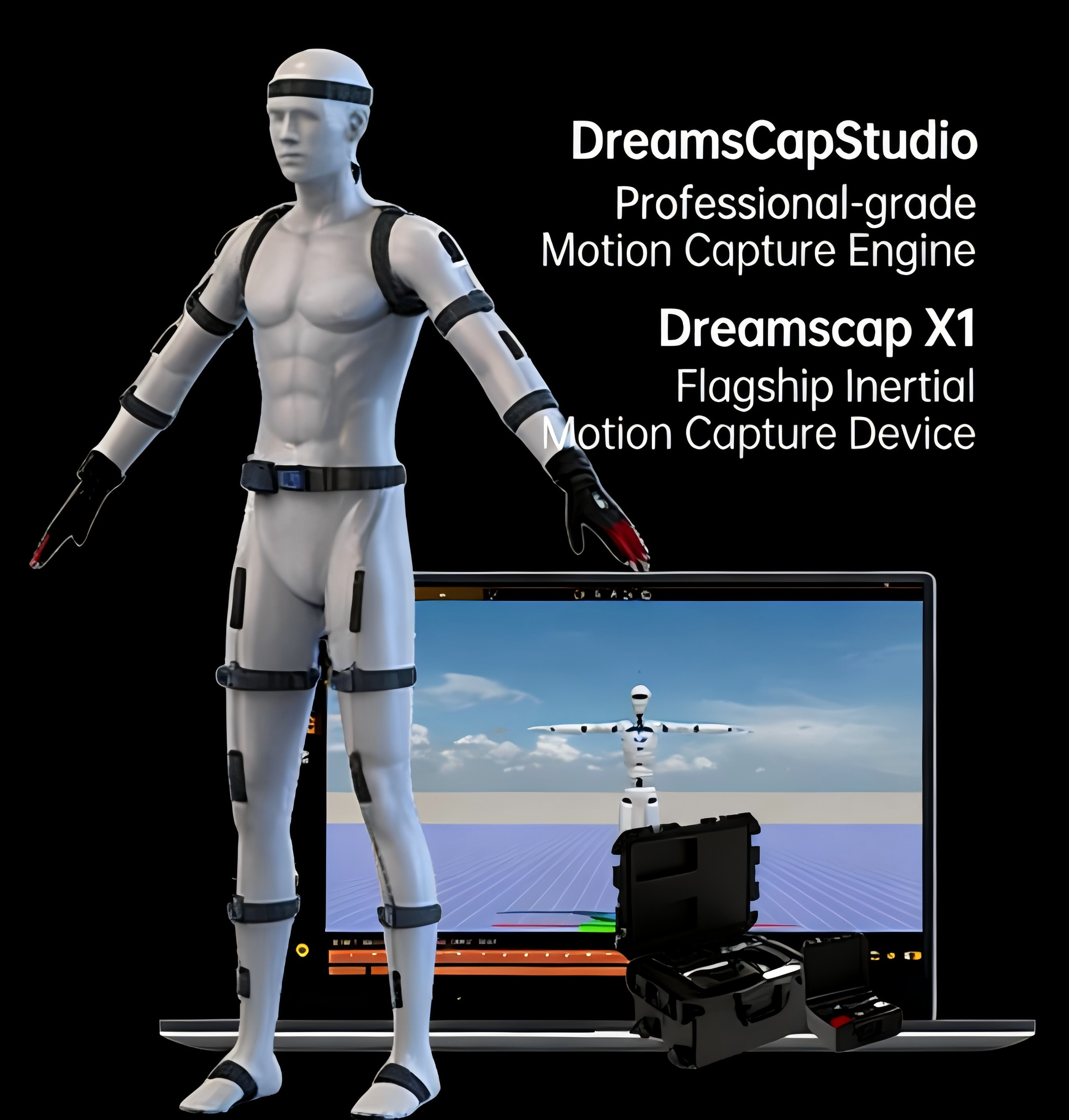
For this, we highly recommend using inertial motion capture systems like the Virdyn DreamsCap X1. Unlike optical mocap setups that require dedicated studios and expensive camera arrays, the DreamsCap X1 is a wearable, sensor-based suit. It allows performers to record highly dynamic movements anywhere, without worrying about camera occlusion or lighting conditions. The suit captures precise joint angles and spatial positioning in real-time, providing a clean, high-fidelity dataset of the intended performance.
Step 2: Kinematic Retargeting – Bridging the Structural Gap
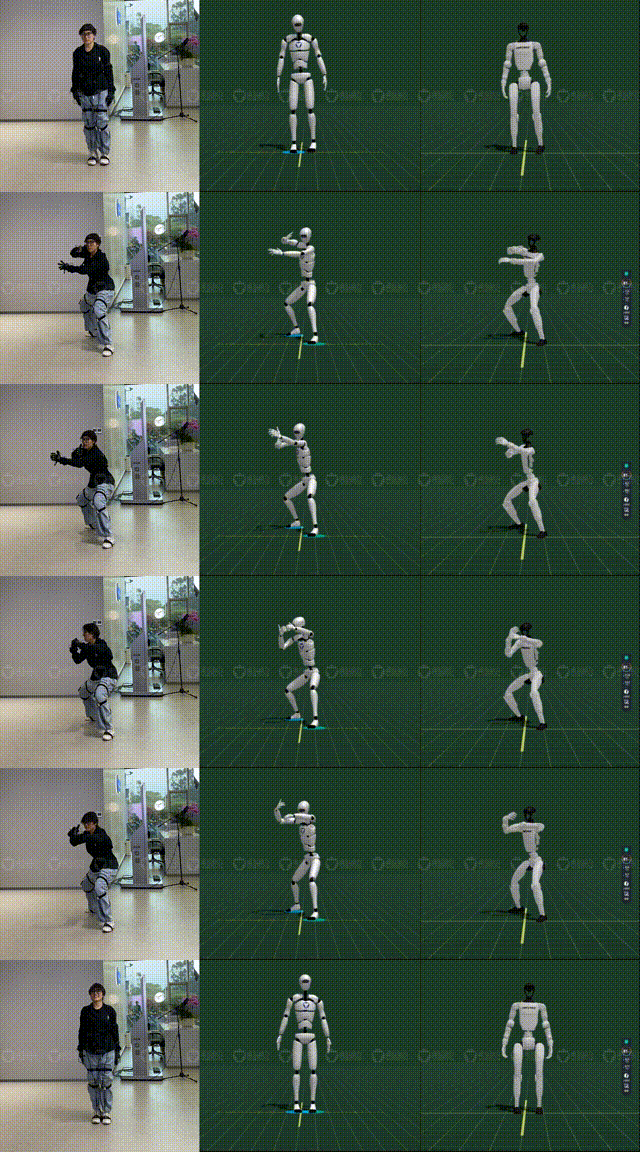
Once you have recorded the human motion, the next challenge is mapping it to the robot. A human body has over 200 degrees of freedom (DoF), while the Unitree G1 has around 23 to 43 DoF depending on the hand configuration. Furthermore, the limb lengths and joint rotation limits are entirely different.
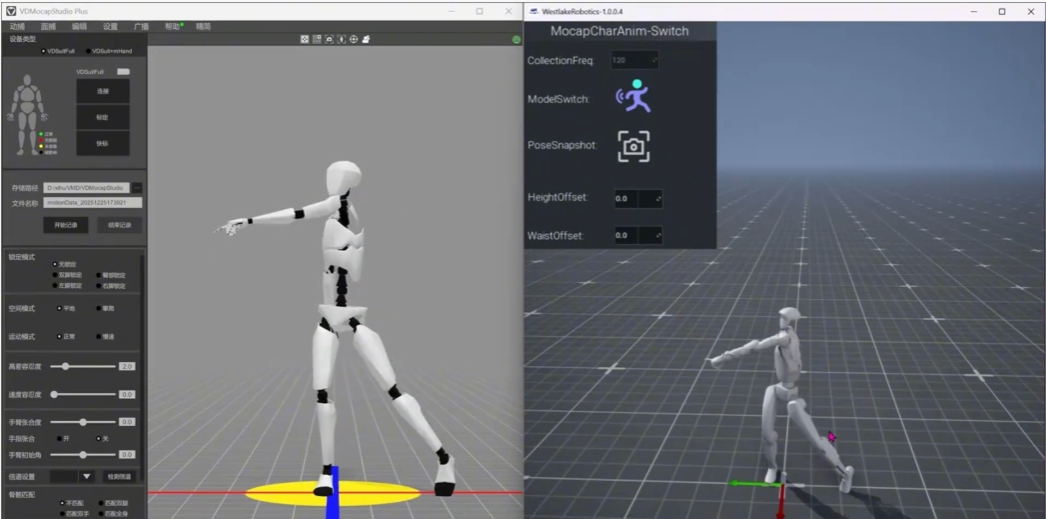
This is where Kinematic Retargeting comes in. Using specialized data conversion software like VDRobot Studio by Virdyn, developers can translate the human skeletal data into the robot’s skeletal framework. VDRobot Studio allows you to scale the motion, correct joint alignment, and enforce the physical limits of the Unitree G1. This step ensures that the robot’s joints won’t attempt impossible angles, effectively transforming human kinematics into a safe, baseline robotic trajectory.
Step 3: Physics Simulation & Imitation Learning
If you were to send the retargeted kinematic data directly to the real Unitree G1, the robot would almost certainly lose its balance and fall. Why? Because kinematic data only dictates where the limbs should be, ignoring gravity, momentum, and the robot’s center of mass.
To solve this, the robot must learn how to balance while performing the motion. This is achieved through Imitation Learning powered by Reinforcement Learning (RL). We recommend utilizing open-source frameworks like BeyondMimic. In this phase, an AI agent is trained to track the reference motion (the retargeted human data) while simultaneously being rewarded for maintaining balance and penalized for falling. Through millions of trial-and-error iterations, the algorithm generates a robust control policy that tells the robot’s motors exactly how much torque to apply to mimic the human without tipping over.
Step 4: Sim-to-Real Transfer – Validating in a Virtual Environment
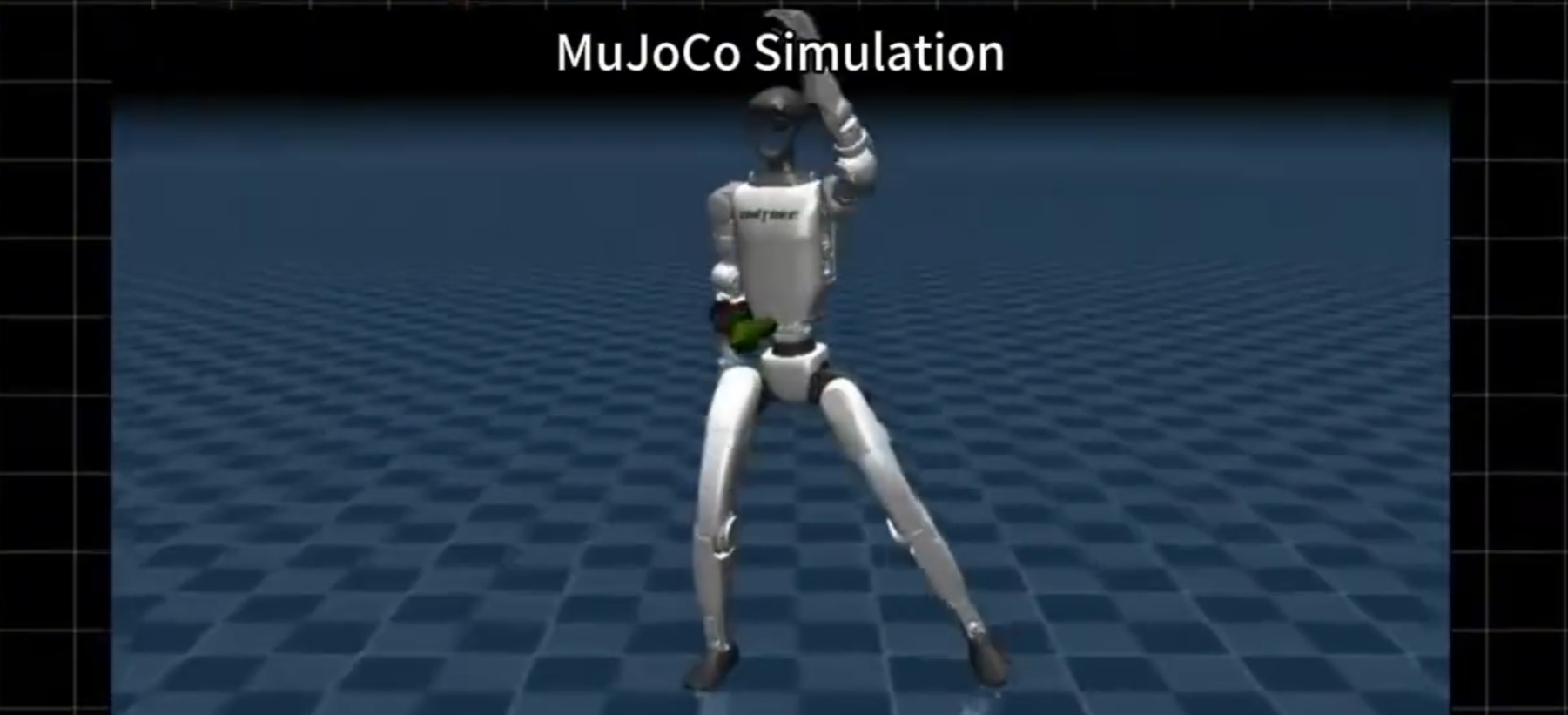
Before risking expensive hardware, the trained policy must be rigorously tested. The Sim-to-Real Transfer phase involves running your imitation learning policy in high-fidelity physics simulators like NVIDIA Isaac Sim or MuJoCo.
These simulation environments accurately replicate real-world physics, including friction, gravity, and motor latency. By testing the Unitree G1 model in Isaac Sim or MuJoCo, you can observe how the robot will react to the trained policy. If the robot stumbles during a fast spin or a deep squat in the simulation, you can easily adjust the reward functions in your RL training and retrain the policy. This step guarantees that the motion is physically viable and safe for the real world.
Step 5: Hardware Deployment on Unitree G1
Once the policy performs flawlessly in simulation, it is time for the final step: deploying it to the physical Unitree G1.
The trained neural network policy is exported and loaded onto the G1’s onboard computing unit. Because the sim-to-real gap has been minimized through accurate physics modeling, the robot will execute the performance with remarkable fidelity. During the initial live tests, engineers may perform minor fine-tuning on the robot’s low-level PID controllers to account for real-world floor friction or slight hardware discrepancies.
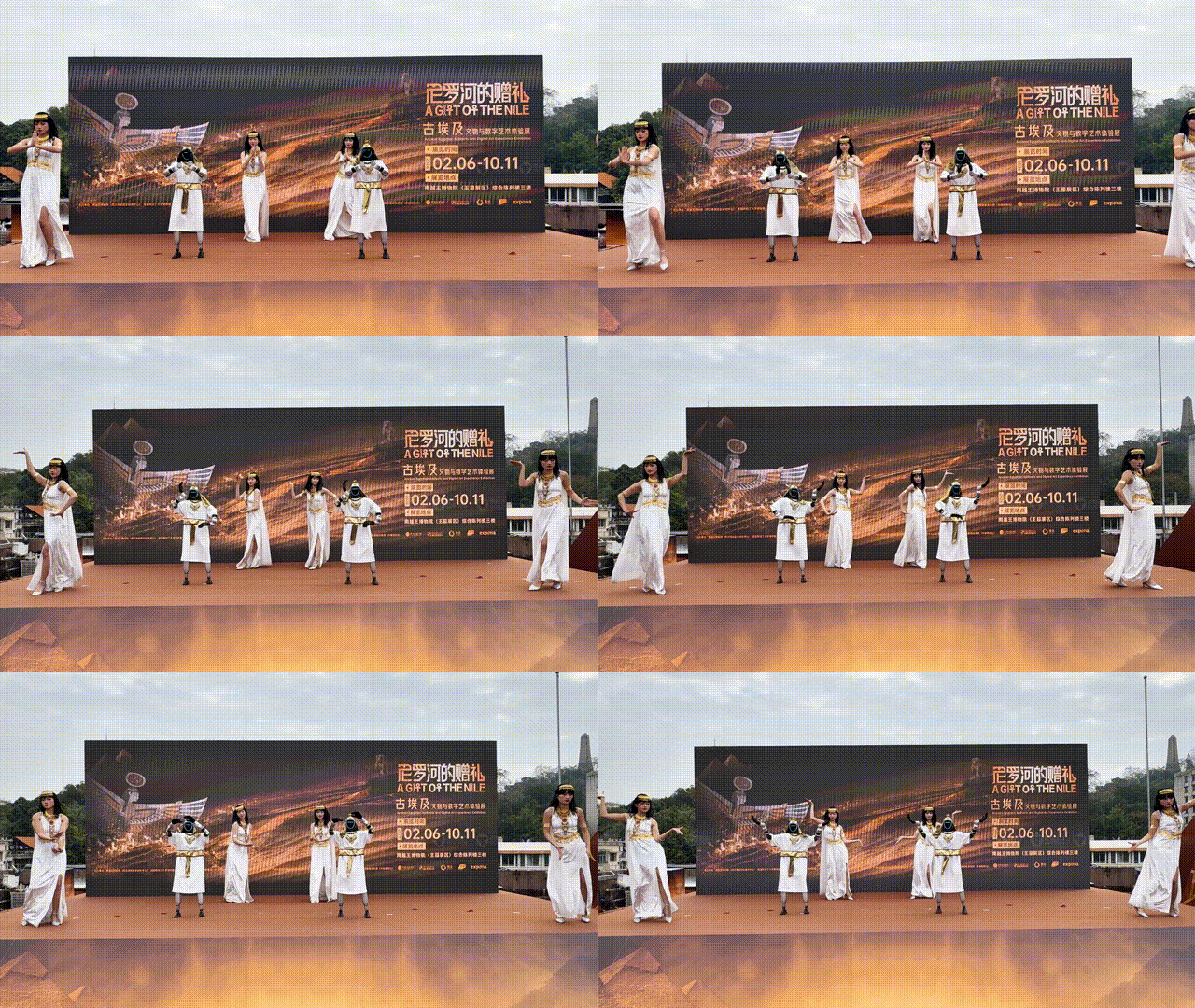
The result? A breathtaking, perfectly balanced, and highly expressive live performance by the Unitree G1, driven entirely by human artistry.
Conclusion
Deploying human performances to humanoid robots like the Unitree G1 is a multi-disciplinary process that blends hardware, software, and artificial intelligence. By utilizing industry-leading tools like the Virdyn DreamsCap X1 for motion capture, VDRobot Studio for retargeting, and BeyondMimic for imitation learning, event organizers and robotics integrators can create spectacular, reliable live shows. As humanoid technology continues to evolve, the stage is set for a new era of robotic entertainment.
Post time: May-26-2026